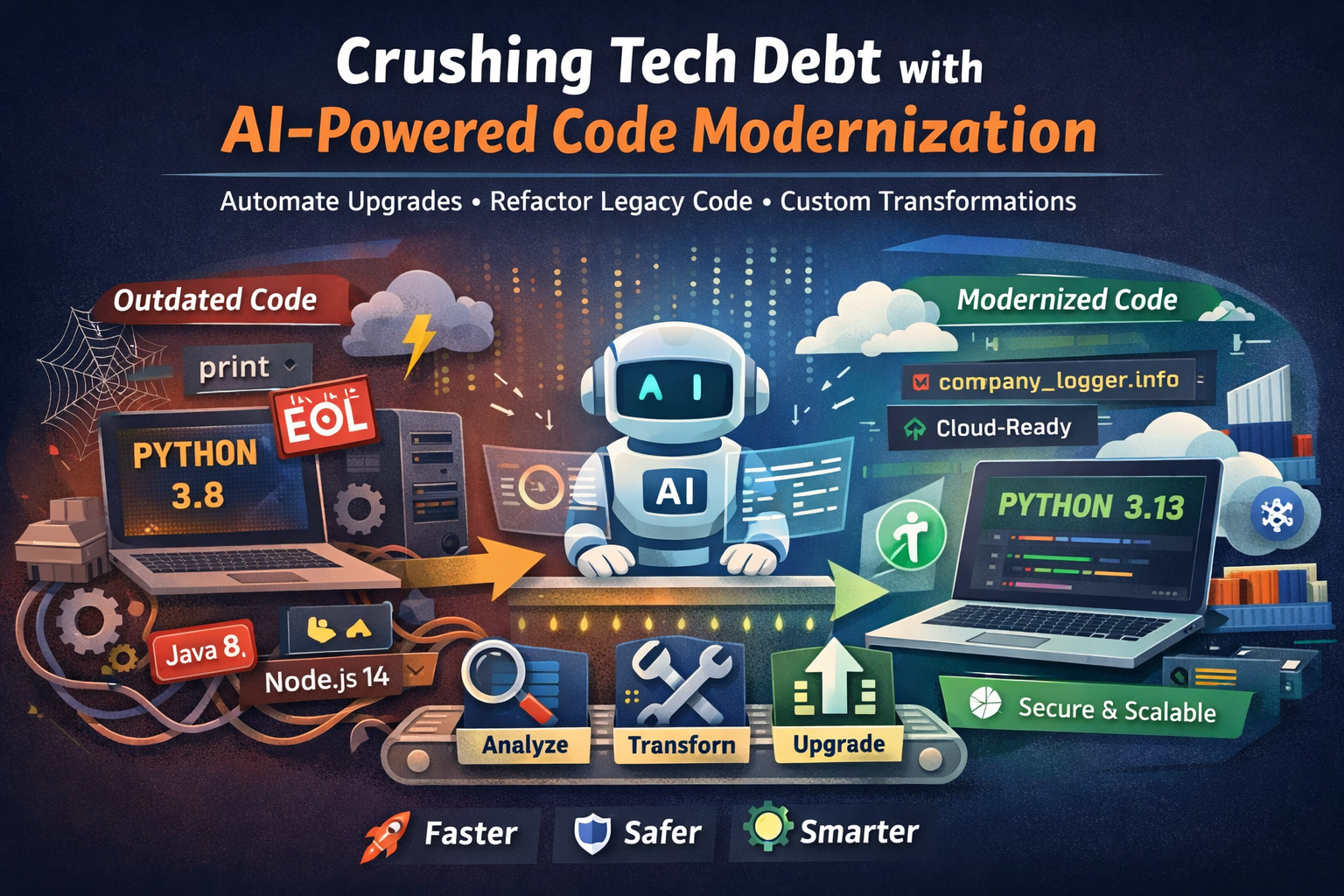
Technical debt is the silent productivity killer.
Outdated runtimes, legacy frameworks, copy-paste code patterns, and half-finished migrations slowly pile up until even a small change feels risky.
AWS recently introduced AWS Transform Custom, an AI-powered service designed to automate large-scale code modernization — not just upgrades, but organization-specific refactoring. In this blog, we’ll break down what it really does, how it works, and where it actually helps, with hands-on examples.
What Is AWS Transform Custom?
AWS Transform Custom is an AI agent–based code transformation service that analyzes your codebase and automatically modernizes it using predefined or custom rules.
Think of it as:
“An AI engineer that can refactor thousands of files the same way your best developer would — but faster and consistently.”
It can:
- Upgrade language runtimes (Python, Java, Node.js)
- Modernize frameworks
- Remove deprecated APIs
- Apply company-specific coding standards
- Reduce repetitive manual refactoring work
Why Technical Debt Is Hard to Fix Manually
In real projects, modernization usually means:
- Hundreds of repositories
- Slightly different coding styles
- Missing documentation
- Fear of breaking production
Example:
- Python 3.8 → Python 3.13 migration
- Node.js 14 → 20
- Java 8 → 17
- Old logging libraries
- Deprecated AWS SDK calls
Doing this manually:
- Takes months
- Is error-prone
- Gets deprioritized behind feature work
This is exactly where AI-driven transformations make sense.
How AWS Transform Custom Works (High Level)
- Scans your codebase
- Understands intent, not just syntax
- Applies transformations using:
- Built-in upgrade recipes
- OR custom rules you define
- Generates:
- Updated code
- Change explanations
- Validation suggestions
- Learns from feedback over time
You can run it:
- Locally using CLI
- Across large portfolios using the web console
Example 1: Python Lambda Upgrade (Realistic Scenario)
The Problem
You have an AWS Lambda function written in Python 3.8, which is now end-of-life.
Old code (Python 3.8):
import boto3

def handler(event, context):
    s3 = boto3.client('s3')
    response = s3.list_objects(Bucket='my-bucket')
    return response['Contents']
Issues:
- Python 3.8 runtime deprecated
- Uses older boto3 patterns
- No type hints
- No error handling
What AWS Transform Custom Does
You run a transformation targeting Python 3.13.
The AI agent:
- Upgrades syntax compatibility
- Adds modern error handling
- Improves readability
- Suggests best practices
Transformed code:
from typing import List, Dict
import boto3
from botocore.exceptions import ClientError

def handler(event: dict, context) -> List[Dict]:
    s3 = boto3.client("s3")

    try:
        response = s3.list_objects_v2(Bucket="my-bucket")
        return response.get("Contents", [])
    except ClientError as error:
        raise RuntimeError(f"S3 access failed: {error}")
What changed:
list_objects→list_objects_v2- Added typing
- Added error handling
- Python 3.13-safe code
No copy-paste. No guesswork.
Example 2: Custom Organization Rule (This Is the Real Power)
Built-in upgrades are nice — but custom transformations are the real game-changer.
Scenario
Your company has a rule:
“All logging must use our internal
company_loggerinstead ofprint()orconsole.log().”
You have hundreds of services violating this.
Old Code (Across Many Repos)
def process_order(order_id):
    print(f"Processing order {order_id}")
You Teach AWS Transform Custom Once
You provide:
- A short natural-language rule
- Example before/after code
Instruction:
Replace all print statements with company_logger.info
Import company_logger if missing
Transformed Code (Everywhere)
from company_logging import company_logger

def process_order(order_id):
    company_logger.info("Processing order %s", order_id)
Now imagine applying this across:
- 50 repositories
- 10,000 files
- Multiple teams
That’s where AWS Transform Custom shines.
Example 3: Legacy to Cloud-Native Refactor
Before (Legacy Monolith Pattern)
Connection conn = DriverManager.getConnection(
    "jdbc:mysql://localhost:3306/app", "user", "pass"
);
After (Cloud-Ready)
DataSource dataSource = dataSourceProvider.get();
Connection conn = dataSource.getConnection();
The AI:
- Removes hardcoded credentials
- Moves toward managed connection pooling
- Prepares code for containerization
Where AWS Transform Custom Fits Best
This tool is not for:
❌ Writing brand-new apps
❌ Replacing human design decisions
It is perfect for:
✅ Mass upgrades
✅ Standardization
✅ Legacy cleanup
✅ Cloud migration prep
✅ DevOps modernization
Especially useful for:
- Enterprises
- Platform teams
- DevOps & SRE teams
- Large SaaS products
How This Helps DevOps & Platform Engineers
As a DevOps engineer, this means:
- Faster runtime upgrades
- Safer migrations
- Consistent code standards
- Less firefighting during deprecations
- Easier compliance audits
Instead of chasing teams:
“Please upgrade before EOL”
You can automate it.
Final Thoughts
AWS Transform Custom is not “AI hype”.
It’s:
- Practical
- Repeatable
- Scalable
If your organization is drowning in technical debt, this service can turn months of manual refactoring into days — with consistency you simply can’t get from humans alone.
read full article using below link
https://aws.amazon.com/blogs/aws/introducing-aws-transform-custom-crush-tech-debt-with-ai-powered-code-modernization/

Leave a Reply