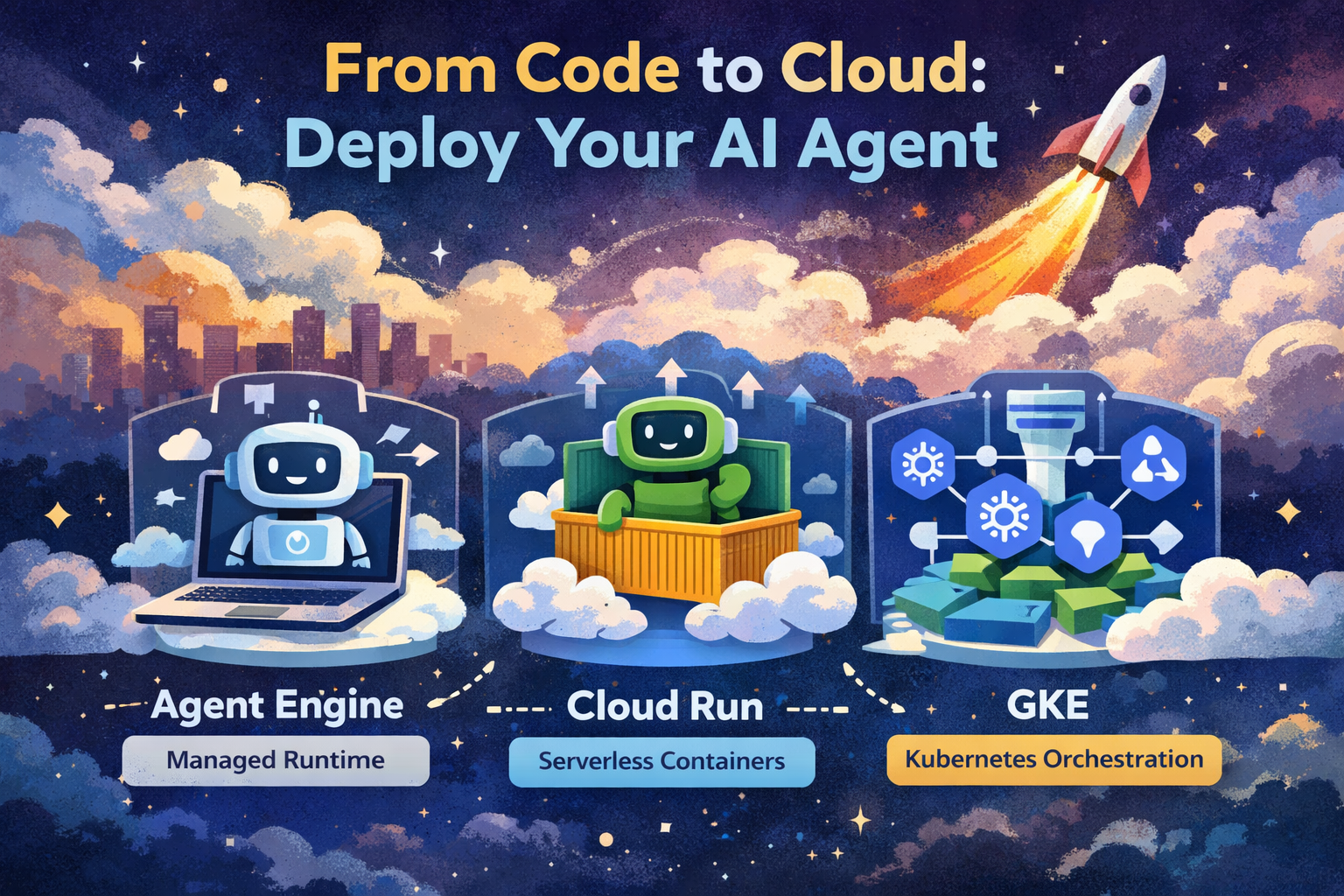
You’ve built an intelligent AI agent — it works locally, it’s smart, and it solves real problems. But now comes the big leap: deploying that agent so it runs securely, reliably, and at scale in the cloud.
Google Cloud’s official blog outlines three hands-on labs to help you deploy AI agents using different cloud platforms. Each offers a trade-off between simplicity, control, and scalability — and each is ideal for a specific stage of your production journey. (Google Cloud)
🧠 Why You Need Deployment Options
Before diving into the labs, let’s set the stage. When moving an AI agent from development into production, you need to think about:
- Scalability — Can your agent serve many users at once?
- Operational overhead — Do you want to manage servers and infrastructure?
- Flexibility — Do you want complete control over the deployment stack?
- Cost efficiency — Are you paying for idle compute or only when needed?
Google Cloud gives you three deployment targets:
- Managed Runtime with Agent Engine
- Serverless Containers with Cloud Run
- Orchestrated Deployment with Google Kubernetes Engine (GKE) (Google Cloud)
🧪 1. Managed AI Agents with Vertex AI Agent Engine
Best for: Developers who want to deploy Python agents with minimal infrastructure to manage.
🛠 What It Is
The Vertex AI Agent Engine lets you deploy your agent without provisioning servers or containers. It’s a fully managed endpoint tailored for Python agents built using the Agent Development Kit (ADK). (Google Cloud)
📌 Example: Deploying a Python Multi-Agent System
Let’s say you’ve written a multi-agent assistant using the ADK framework:
from adk import Agent

agent = Agent(
    model="gemini-2.5-flash",
    instruction="Answer sci-fi trivia questions"
)
To deploy this agent using Agent Engine:
- Ensure your project and billing are set up in Google Cloud.
- Use the ADK deploy command:
adk deploy agent_engine \
  --project=$GOOGLE_CLOUD_PROJECT \
  --region=$GOOGLE_CLOUD_LOCATION \
  --staging_bucket=$STAGING_BUCKET \
  my_ai_agent
This uploads your code to Vertex AI, where Google manages execution, scaling, and session state. (Google Cloud Documentation)
👇 Why Use It?
- No container builds
- Sessions and memory managed automatically
- Integrated with Vertex AI services
Perfect for getting up-and-running quickly with running AI agents. (Google Cloud)
🌀 2. Serverless Deployment on Cloud Run
Best for: Maximum flexibility without server management + support for multiple languages.
🛠 What It Is
Cloud Run lets you deploy your agent as a containerized service. It automatically handles:
✅ Auto-scaling
✅ HTTPS endpoints
✅ Zero cost when idle
It’s language-agnostic, so your agent can be in Python, Go, Java, or Node.js. (Google Cloud)
📌 Example: Containerizing and Deploying
Assume you have an AI agent in app.py. A simple Dockerfile might look like:
FROM python:3.11
WORKDIR /app
COPY . .
RUN pip install -r requirements.txt
CMD ["python", "app.py"]
Then build and deploy:
docker build -t gcr.io/$GOOGLE_CLOUD_PROJECT/my-agent .
docker push gcr.io/$GOOGLE_CLOUD_PROJECT/my-agent

gcloud run deploy my-agent \
  --image gcr.io/$GOOGLE_CLOUD_PROJECT/my-agent \
  --region=us-central1 \
  --allow-unauthenticated
Cloud Run will spin up instances when requests arrive and scale them down when idle — keeping costs optimized. (Google Cloud Documentation)
👇 Why Use It?
- Supports any language or custom runtime
- Integrates easily with CI/CD pipelines
- Perfect for APIs serving agent responses
⚙️ 3. Orchestrated Deployment with Google Kubernetes Engine (GKE)
Best for: Teams needing fine-grained control over deployment, autoscaling, networks, and multi-service setups.
🛠 What It Is
GKE lets you run your agent inside a Kubernetes cluster with full control over:
- Pod configurations
- Resource quotas
- Autoscaling rules
- Networking policies
This is ideal for complex AI systems using multiple interconnected services. (Google Cloud)
📌 Example: Deploying with Kubernetes
- Create a Kubernetes deployment manifest:
apiVersion: apps/v1
kind: Deployment
metadata:
  name: ai-agent
spec:
  replicas: 3
  selector:
    matchLabels:
      app: ai-agent
  template:
    metadata:
      labels:
        app: ai-agent
    spec:
      containers:
      - name: agent
        image: gcr.io/$GOOGLE_CLOUD_PROJECT/ai-agent
        ports:
        - containerPort: 8080
- Deploy to GKE:
kubectl apply -f ai_agent_deploy.yaml
kubectl expose deployment ai-agent --type=LoadBalancer --port=80
You now have a scalable, resilient agent deployment managed by Kubernetes. (Google Cloud)
👇 Why Use It?
- Best for complex enterprise workloads
- Fine control over autoscaling and cost
- Easy integration with observability and networking
📊 Choosing the Right Path: When to Use What
| Deployment Path | Best Use Case | Key Benefit |
|---|---|---|
| Agent Engine | Quick Python agent deployment | Fully managed, minimal ops |
| Cloud Run | Flexible, language-agnostic API | Serverless scaling |
| GKE | Complex, multi-service AI systems | Full operational control |
🧠 Final Thoughts
Moving your AI agent from a prototype to production isn’t just about writing code — it’s about choosing the right cloud platform, understanding operational trade-offs, and preparing your agent for real-world traffic and security.
Google Cloud’s trio of hands-on labs gives you practical experience on all major deployment paths:
- Fully Managed → Vertex AI Agent Engine
- Serverless → Cloud Run
- Orchestrated → GKE (Google Cloud)
Each path offers a unique combination of performance, flexibility, and ease of use — so you can pick the one that’s right for your project and team.
Happy deploying! 🚀

Leave a Reply