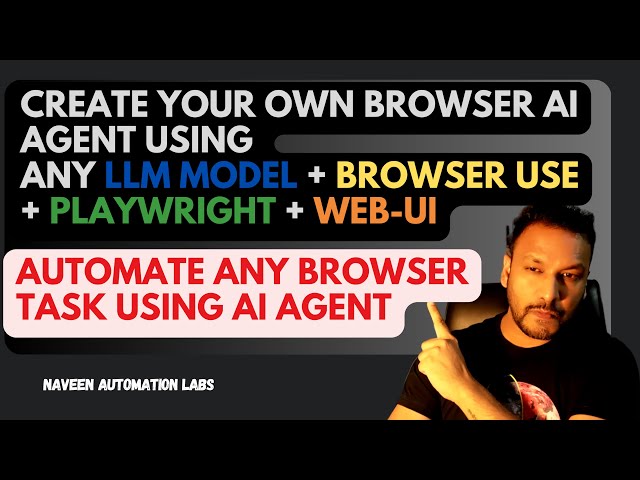
In a recent video tutorial, Naveen Automation Labs dives into the exciting world of browser AI agents, demonstrating how you can leverage open-source tools to automate a wide array of tasks directly within your web browser. This technology opens up possibilities for streamlining everything from online shopping to job applications.
Introducing Browser AI Agents and Browser Use
The core concept revolves around browser AI agents – intelligent systems capable of understanding and executing tasks on a web browser, much like a human user. The video highlights Browser Use, an open-source project that empowers AI to take control of your browser, acting as the bridge between your commands and browser actions.
Getting Started: Installation and Setup
The tutorial provides a clear, step-by-step guide to get you up and running. This involves:
Installing essential software: This includes Python, the Browser Use package itself, Playwright (a powerful web automation library), and Web UI, which provides a user-friendly interface for interacting with the agent.
Setting up the environment: You’ll learn how to clone the Web UI repository from GitHub, configure a Python environment, and install all the necessary dependencies to ensure everything runs smoothly.
Configuring Your AI: Large Language Models (LLMs)
A key component of this setup is the Large Language Model (LLM). The video explains how to configure your preferred LLM provider, with Gemini being used as an example. It also walks through the process of obtaining and integrating an API key, which is crucial for the AI to function. The flexibility to use different LLM providers is a significant advantage, allowing users to choose the model that best suits their needs.
Putting the Agent to Work: Prompting and Automation
Once set up, you can start giving prompts to your browser AI agent. The tutorial showcases several practical examples:
Basic Web Navigation: Instructing the agent to navigate to specific websites.
Information Retrieval: Asking the agent to search for information online and extract relevant data.
E-commerce Automation: A compelling demonstration of automating an entire e-commerce workflow. This includes logging into an account, searching for a product, adding it to the cart, completing the purchase, and logging out.
Form Filling: Automating the tedious task of filling out registration forms with predefined data.
Unleash Your Creativity
The video encourages viewers to go beyond the demonstrated examples and explore the vast potential of browser AI agents by experimenting with different prompts and scenarios. The power lies in combining the capabilities of these open-source tools with your own creative automation ideas.
Leave a Reply