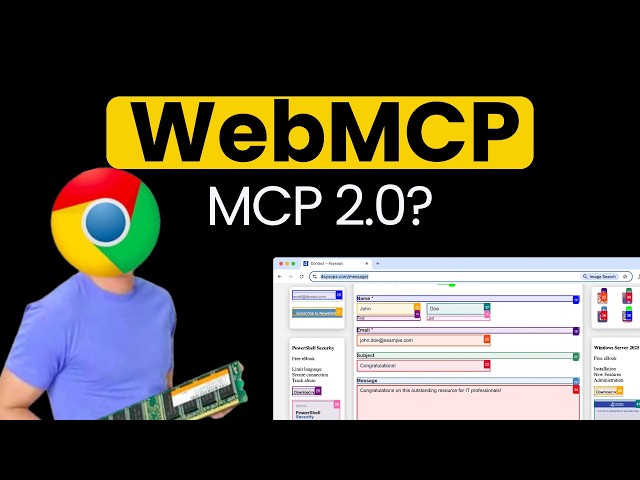
The internet is evolving from human-only browsing to AI-assisted interaction. One of the most important technologies powering this shift is WebMCP (Web Model Context Protocol) — a new way for AI agents to interact with websites intelligently and reliably.
If you’re a developer, AI enthusiast, or someone building agentic apps, WebMCP is something you absolutely need to understand.
Let’s break it down in simple terms.
🤖 What is WebMCP?
WebMCP is a browser-native standard that allows websites to expose structured tools directly to AI agents. Instead of AI trying to “understand” a website by reading HTML, clicking buttons, or analyzing screenshots, the website explicitly tells the AI what actions are possible.
Think of it like this:
👉 Old way: AI guesses how to interact with a website
👉 WebMCP way: Website provides clear instructions and functions for AI
This makes interaction faster, more reliable, and more precise.
⭐ Why WebMCP Is Awesome
1️⃣ No more fragile automation
Traditional automation tools rely on UI selectors and screen parsing. If the UI changes, automation breaks.
With WebMCP:
- AI interacts with structured tools
- UI changes don’t break workflows
- Interactions are stable and predictable
2️⃣ Faster and more efficient AI interactions
WebMCP sends structured metadata instead of full HTML or screenshots.
This dramatically reduces processing time and cost.
Result:
- Faster responses
- Lower AI compute usage
- Better scalability
3️⃣ Direct AI-to-website communication
WebMCP enables websites to expose functions like:
- Search products
- Book flights
- Submit forms
- Process checkout
AI agents can call these like APIs — no scraping required.
4️⃣ Better privacy and security
Since processing happens in the browser and only structured data is shared:
- Less data exposure
- Controlled permissions
- Clear action boundaries
5️⃣ Built for the agentic web
WebMCP is being developed as a web standard backed by major browser vendors and designed for the future of AI-driven browsing.
It’s basically turning websites into AI-ready platforms.
⚙️ How WebMCP Works
WebMCP introduces a browser API (like navigator.modelContext) that allows websites to register tools AI can use.
There are two main approaches:
🧩 Declarative API (HTML based)
Best for simple interactions like forms.
Example:
- Checkout form
- Search form
- Booking form
AI sees structured parameters instead of raw HTML.
💻 Imperative API (JavaScript based)
Used for advanced functionality.
Developers can:
- Define tools
- Set input schemas
- Return structured responses
AI calls these tools like function calls.
🛠️ How to Use WebMCP (Step-by-Step)
Step 1 — Enable WebMCP support
Use a supported browser environment (e.g., Chrome preview builds where WebMCP is enabled).
Step 2 — Add WebMCP to your website
Install or configure WebMCP libraries or enable the model context API.
Step 3 — Register tools
Expose website functionality as AI-callable tools.
Examples:
- Search database
- Submit ticket
- Process order
Step 4 — Connect AI agent
Your AI assistant can now discover and call tools directly from the webpage.
Step 5 — Let AI perform actions
AI can now interact with the website using structured operations — reliably and intelligently.
🌍 Real-World Use Cases
WebMCP can transform many industries:
✔ Customer support automation
✔ E-commerce AI assistants
✔ CRM workflow automation
✔ Travel booking agents
✔ Enterprise dashboards
✔ AI browser copilots
Any web app can become AI-operable.
🔮 The Future of Web Development
WebMCP represents a shift from:
👉 Websites designed only for humans
👉 To websites designed for humans and AI agents
In the near future, developers may ask:
“Is your website AI-compatible?”
Just like we ask today:
“Is your website mobile-friendly?”
🎯 Final Thoughts
WebMCP is not just another developer tool — it’s a foundational technology for the agentic internet.
It enables:
- Reliable AI automation
- Faster interactions
- Standardized web-AI communication
If you’re building modern web apps or AI systems, learning WebMCP now gives you a huge advantage.
Leave a Reply