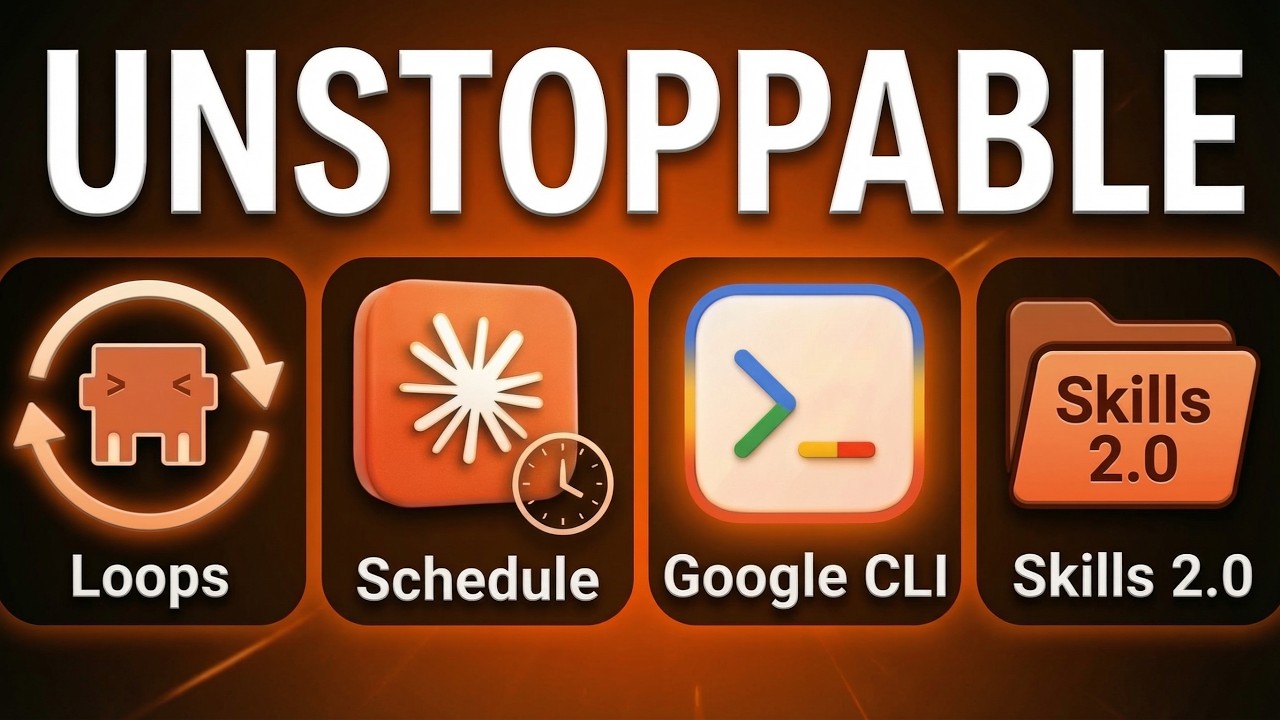
Anthropic is shipping fast. The latest iteration of Claude Code (and its desktop counterpart, Claude CoWork) introduces four transformative features that turn Claude from a coding assistant into an autonomous workforce.
1. The /loop Command: Short-Term Automation
Until now, if you wanted Claude to monitor something, you had to keep asking. The new /loop feature allows you to schedule recurring prompts within your current session. [00:37]
- How it works: Claude creates a local cron job to fire prompts automatically. [00:50]
- Example:
/loop every 10 minutes Check my inbox for urgent emails. [00:43] - The Catch: Loops are for the “here and now.” They expire after 3 days and stop if you close the terminal or session. [02:12]
2. Scheduled Tasks: Permanent Workflows
While loops are for short bursts, Scheduled Tasks are for long-term consistency. These are essentially native workflows that run every morning, every week, or at any set interval. [02:44]
- Fresh Instances: Unlike loops, each scheduled run starts a fresh instance, reads your project files, runs the necessary skills, and then shuts down. [03:10]
- Persistence: If your computer is off during a scheduled run, Claude will “catch up” and run the missed task as soon as you reopen the app. [04:42]
- Use Case: Every morning at 9:00 AM, Claude can check your YouTube channel, transcribe new videos, and generate a newsletter and tweets. [03:26]
3. Google Workspace Access: The Missing Link
One of the biggest pain points has been Claude’s inability to interact with files inside Google Drive. While not strictly a Claude update, Google’s new open-source Workspace CLI solves this by giving Claude Code a bridge to Drive, Docs, Sheets, and Slides. [05:42]
- Why it’s better than N8N/Zapier: Traditional automations often output raw, messy markdown. The Workspace CLI uses bash commands to create properly formatted Google Docs with real headers, images, and links. [06:32]
4. Skills 2.0: Evaluation & A/B Testing
The most exciting update for power users is the new Skill Creator capability. You no longer have to “guess” if your skills are working. [07:01]
- Built-in Evaluations: You can now run automated tests on your skills against specific criteria. Claude will return a structured HTML report showing exactly where the skill passed or failed. [10:35]
- A/B Testing: You can run tests with and without certain skills to see if they actually add quality or just waste tokens. [13:02]
- Graded Results: Instead of a simple “it worked,” you get a percentage score based on benchmarks like “Did it use curiosity gaps?” or “Did it follow the brand voice?” [11:12]
[Image showing a graded evaluation report from Claude Skills 2.0]
Leave a Reply