For a long time, the workflow for building an interactive data dashboard followed a familiar, repetitive path. You would configure a database, write your backend API endpoints to fetch and aggregate that data, map out a front-end UI layout, and connect the two with a series of network requests. Even with modern frameworks, it is a process that takes hours—if not days—of foundational plumbing before you see your data come to life on a screen.
However, a massive shift is occurring in how developers interact with data systems. By combining specialized developer platforms with the advanced Code Mode capabilities of frontier AI models, it is now possible to go from a single text prompt to a fully realized, interactive dashboard in a single tool call.
Here is an architectural breakdown of how this pipeline operates, how it changes database access, and why it drastically reduces token costs while increasing runtime accuracy.
1. The Power of Code Mode vs. Traditional LLM Tools
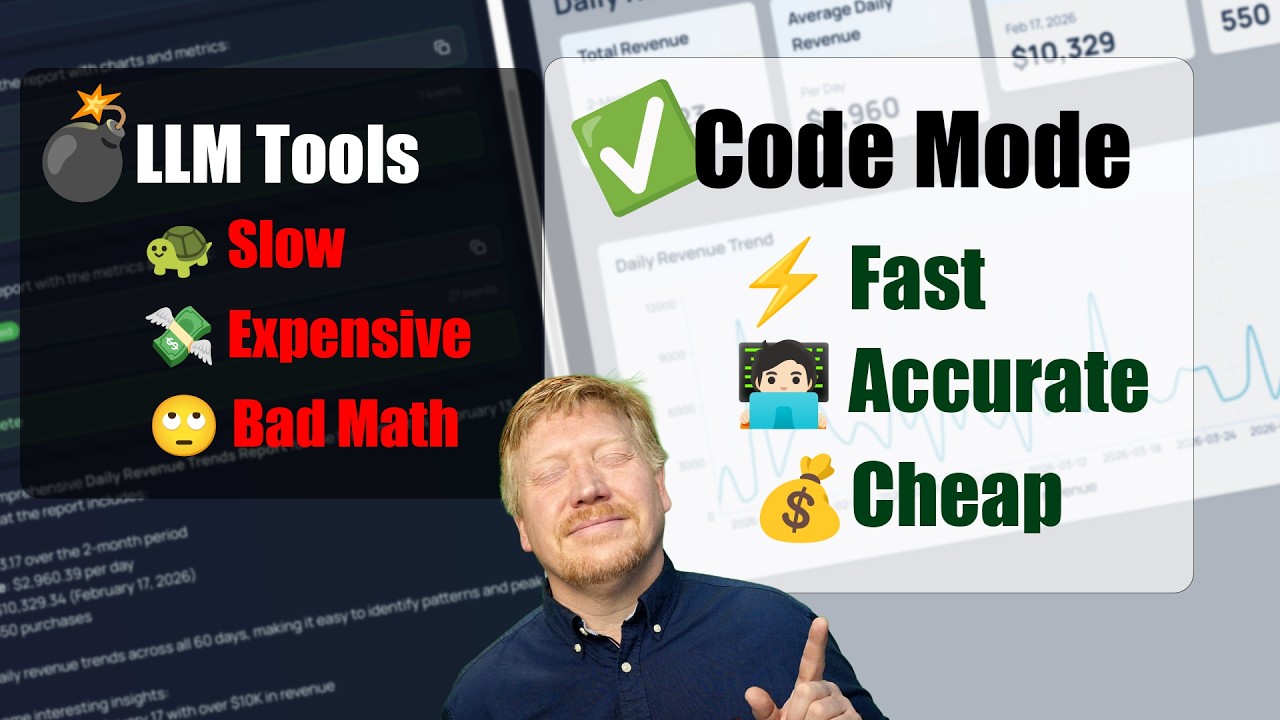
When standard Large Language Models (LLMs) try to interact with databases or build dashboards out of the box, they usually rely on generic function calling or multi-turn conversational loops. This old way comes with heavy penalties:
- High Token Overhead: The model constantly bounces back and forth with your terminal or API, passing massive context histories back and down the wire.
- Accuracy Drift: The longer the chat history gets, the higher the likelihood that the model hallucinates a table schema or introduces syntax errors into your queries.
Code Mode solves this by letting the AI operate as a direct local runtime executor. Instead of guessing or chatting about code, the agent generates precise script blocks, executes them locally against your data environment, verifies the output, and directly builds out the interface. It is significantly faster, eliminates multi-turn token waste, and keeps execution entirely deterministic.
2. Setting Up the Modern Data Foundation
The magic of this speed run relies heavily on a tightly integrated stack. In typical workflows, setting up a relational data store involves provisioning clusters, managing connection strings, and handling complex environment variables.
Modern developer ecosystems, such as Netlify’s unified database layer, streamline this foundation. By offering a simplified, managed backend that bridges serverless architectures with your primary database tables, the setup layer becomes entirely predictable.
Because the data architecture is clean and highly standardized, an AI operating in Code Mode can inspect the schema, immediately understand the access methods, and write exact query structures without getting bogged down in boilerplate network configuration.
3. Querying with Precision
Once the database layer is live, Code Mode directly addresses the tables. Whether your application needs to handle user analytics, track SaaS subscription metrics, or aggregate real-time transaction logs, the model handles data fetching seamlessly:
- It writes optimized query logic to extract, filter, and transform the exact data shapes required.
- It handles complex aggregations (like grouping weekly signups or calculating monthly recurring revenue) right at the script level, ensuring the front-end doesn’t receive messy, unformatted data dumps.
4. The Magic of Generative UI
The final—and most visually impressive—piece of the puzzle is Generative UI. Historically, AI would simply spit out code blocks that you had to manually copy, paste, and compile in your local IDE.
With modern Code Mode implementations, the AI generates the user interface dynamically within a live preview frame.
Using high-utility utility libraries like Tailwind CSS and standard charting modules, the model takes the live data arrays retrieved from your database and wires them natively into beautiful, interactive data visualizations. You aren’t just looking at static wireframes; you are interacting with actual components—toggling filters, resizing columns, and watching graphs render live data in real time.
Summary: Shifting to High-Level Product Engineering
This shift to Code-Mode-driven data app development marks a massive win for product engineers. By abstracting away the foundational friction of database queries, state synchronization, and component styling, developers can transition from being manual “plumbers” to high-level product architects. You can focus on what the data actually means and how the user interacts with it, leaving the code implementation to a single, hyper-optimized AI tool call.
Leave a Reply