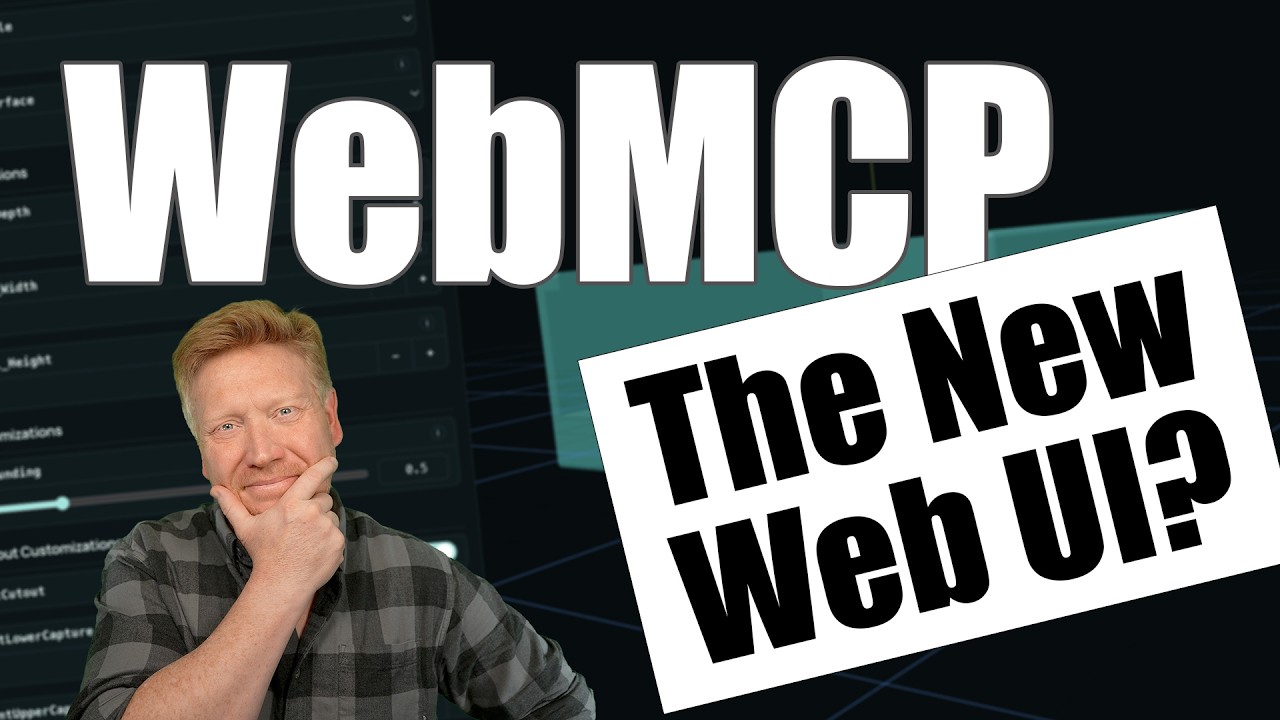
The Model Context Protocol (MCP), open-sourced by Anthropic, has fundamentally changed how local AI agents interact with development tools, file systems, and databases. Traditionally, setting up an MCP server meant running complex local processes, dealing with server-side configurations, or relying on heavy command-line environments.
But what if you could take the power of MCP and bring it directly into a standard client-side web application—no backend servers or complex installation steps required?
In a groundbreaking technical walkthrough, engineer Jack Herr demonstrated exactly how to build a highly interactive, 3D printing modeling application for Multiboard by combining TanStack Start with a revolutionary open-source project called WebMCP.
Here is an architectural breakdown of how WebMCP works, how it enables context-aware AI tools in the browser, and how it completely transforms front-end application capability.
1. What is WebMCP? Breaking the Backend Constraint
In a standard Model Context Protocol setup, a local desktop client (like Claude Desktop) routes requests to a local or remote server to fetch files, read databases, or run code. This limits MCP utility primarily to local development environments or server-hosted pipelines.
WebMCP flips this paradigm by implementing the entire Model Context Protocol architecture natively inside the browser sandbox using web-standard APIs and browser extensions.
By linking a lightweight browser extension (like MCP-B) to your web app, you create a direct bridge between your front-end code and local system utilities. The browser web application itself can register custom tools, export local state schemas, and feed structural context directly to an AI assistant—allowing users to interact with local desktop applications (like OpenSCAD) directly from a standard web UI.
2. The Project Blueprint: AI-Driven 3D Modeling for Multiboard
To demonstrate the raw power of this browser-based AI interaction, the case study walked through building a specialized creator tool for Multiboard (a popular, modular 3D-printed storage wall system).
The Architecture Stack
- Framework: TanStack Start, utilizing modern server/client routing logic for clean state transitions and high-performance component rendering.
- Rendering Layer: A live, interactive 3D preview frame embedded directly in the web app UI to display real-time parametric modeling changes.
- System Bridge: WebMCP running in tandem with OpenSCAD (an open-source script-based 3D CAD modeler) to handle precise physical dimensions.
3. How the Tool Registry Operates on the Client Side
The core engineering magic happens during the Tool Registration phase. Instead of writing server-side API endpoints, you define your tools, descriptions, and operational logic natively in your front-end components:
- Defining the Contract: The web application registers explicit JSON-schema tools with WebMCP (e.g.,
generate_multiboard_tile,add_mounting_bracket). - Exposing Parameters: Each tool details precise parameter schemas that the AI assistant can interpret—such as width, height, bolt-hole density, or alignment offsets.
- Connecting to the Local Runner: When a user prompts the integrated AI sidebar (“Create a 4×4 heavy-duty pegboard tile with an integrated mounting bracket”), WebMCP intercepts the intent, translates it into precise parametric values, and passes it to the local OpenSCAD engine via the browser bridge to render the 3D asset instantly.
4. The Developer Advantage: Zero Server Costs, Absolute Privacy
Moving the MCP layer to the client side introduces massive benefits for product developers:
- Infinitely Scalable, Zero Compute Costs: Because the heavy computational work of processing files and compiling 3D models happens entirely on the user’s local machine, your server hosting costs drop to near-zero.
- Bulletproof Data Privacy: The files, parameters, and 3D geometries never need to be uploaded to an external corporate cloud backend. Everything remains strictly confined to the user’s local browser context and hardware sandbox.
- Unified UI Experience: The AI isn’t an isolated, external chat window. It acts as an integrated, co-pilot layer that is fully aware of your web application’s current UI state, actively executing tasks on behalf of the user.
Summary: The Rise of the Agentic Web
WebMCP represents a paradigm shift in how we think about full-stack web applications. By bringing the Model Context Protocol straight into the browser layer with TanStack Start, the boundaries between static web sites, local desktop software, and autonomous AI agents have completely dissolved. We are entering an era where web apps aren’t just platforms for displaying data—they are interactive, client-side execution environments managed by intelligent agents.
Leave a Reply